Tech Christmas gifts: check compatibility before checkout
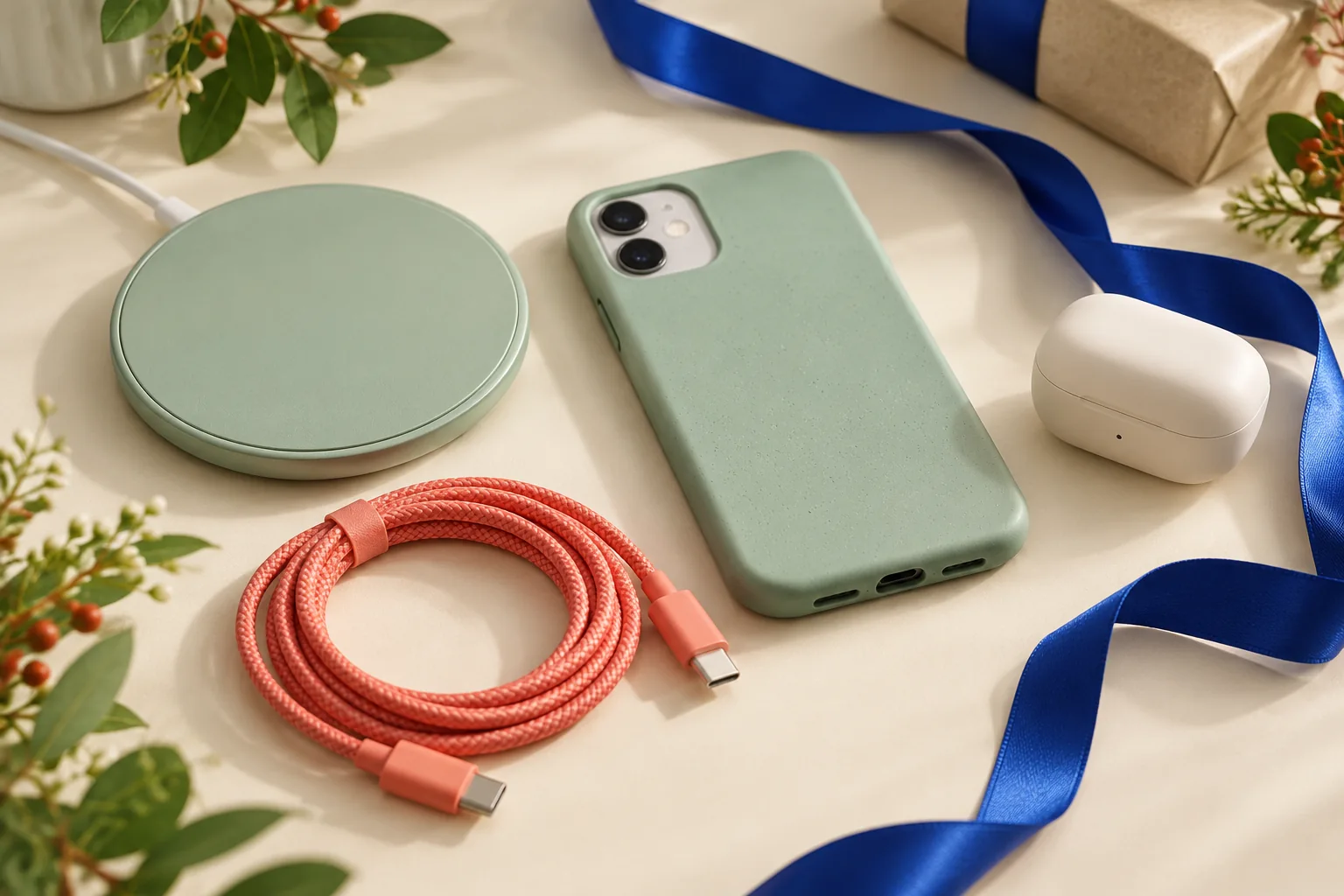
A tech gift should work with the equipment the recipient already has. Before browsing, identify the device or activity you are buying for. The right cable or accessory can be more useful than an impressive-looking gadget that needs extra equipment, accounts or a setup the recipient does not want.
Find the exact device details
Ask for a model number or a wish-list link when possible. Phone cases need the correct device dimensions and camera layout. Chargers, headphones and other accessories require suitable connections and stated compatibility. Similar-looking ports or product names are not enough to settle the question. Use the manufacturer’s compatibility information when you need to confirm a match.
Read the setup requirements
Check whether the gift needs a particular app, account, operating-system version or additional component. For devices used with subscriptions, read the ongoing cost rather than focusing only on the first payment. Consider whether the recipient wants another connected product in the first place. A simple accessory can be a thoughtful choice when it supports an existing routine.
Compare the ready-to-use cost
Check what comes in the box and price any immediately necessary extras. Include delivery, then test any eligible voucher. If the gift is intended for a particular date, verify dispatch and delivery information for your address. Keep the product details and order confirmation together so the exact model can be identified if the retailer needs to help later.
Before you choose
- Confirm the recipient’s exact device model.
- Check accessories, setup and recurring costs.
- Compare the complete usable package.
Are universal accessories compatible with everything?
Do not assume so. Read the stated device, connection and power requirements. If a listing is unclear, ask the retailer or manufacturer before ordering.